

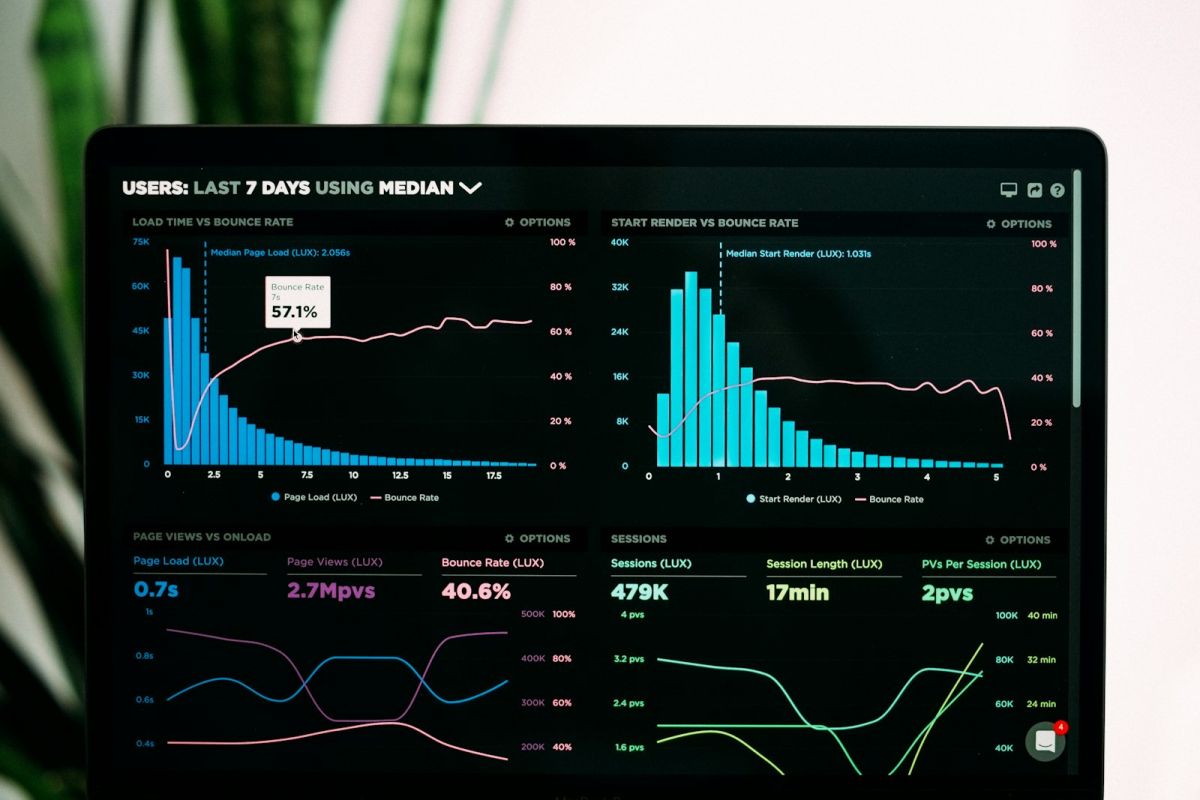
Building Real-time Dashboards
Create live updating dashboards with React and WebSockets.
WebSocket Server (Node.js)
const WebSocket = require('ws');
const wss = new WebSocket.Server({ port: 8080 });

wss.on('connection', (ws) => {
    // Send data every second
    const interval = setInterval(() => {
        ws.send(JSON.stringify({
            cpu: Math.random() * 100,
            memory: Math.random() * 100,
            requests: Math.floor(Math.random() * 1000),
            timestamp: new Date().toISOString(),
        }));
    }, 1000);

    ws.on('close', () => clearInterval(interval));
});
React Dashboard Component
import { useState, useEffect } from 'react';
import { Line } from 'react-chartjs-2';

function Dashboard() {
    const [metrics, setMetrics] = useState([]);

    useEffect(() => {
        const ws = new WebSocket('ws://localhost:8080');

        ws.onmessage = (event) => {
            const data = JSON.parse(event.data);
            setMetrics(prev => [...prev.slice(-59), data]);
        };

        return () => ws.close();
    }, []);

    return (
        <div className="grid grid-cols-2 gap-4">
            <MetricCard title="CPU" value={metrics[metrics.length - 1]?.cpu} />
            <MetricCard title="Memory" value={metrics[metrics.length - 1]?.memory} />
            <Line data={chartData} options={chartOptions} />
        </div>
    );
}
Metric Card Component
function MetricCard({ title, value }) {
    return (
        <div className="bg-white rounded-lg shadow p-4">
            <h3 className="text-gray-500 text-sm">{title}</h3>
            <p className="text-3xl font-bold">{value?.toFixed(1)}%</p>
        </div>
    );
}
Combine WebSockets with charting libraries for powerful real-time visualizations.



Comments (0)
Leave a Comment
No comments yet. Be the first to share your thoughts!